Using ModelVerse API in Open WebUI
About Open WebUI
Open WebUI (https://github.com/open-webui/ ) is a web user interface suitable for internal deployment within enterprises.
It launches a local service on your computer, generating an internal network URL that employees within your enterprise can access. Open WebUI is highly functional, supporting multi-user management, function calls, Retrieval-Augmented Generation (RAG), and network search features.
Configuration Steps
Follow these steps to configure and use the API services provided by ModelVerse in Open WebUI.
Step 1: Obtain an API Key
First, click here to obtain your API Key .
Step 2: Configure Open WebUI
-
Log in to Open WebUI, click on the user avatar at the bottom left, then select “Settings”.

-
In the settings menu, click “Admin Settings”.

-
On the admin settings page, click “External Connection”, and then click the ”+” button to add a new external model service.

-
In the pop-up form, fill in the following information:
- Base URL:
https://api.modelverse.cn/v1 - API Key: Paste the API Key you obtained in the first step
Once completed, Open WebUI will automatically retrieve the available models.

- Base URL:
Step 3: Start Chatting
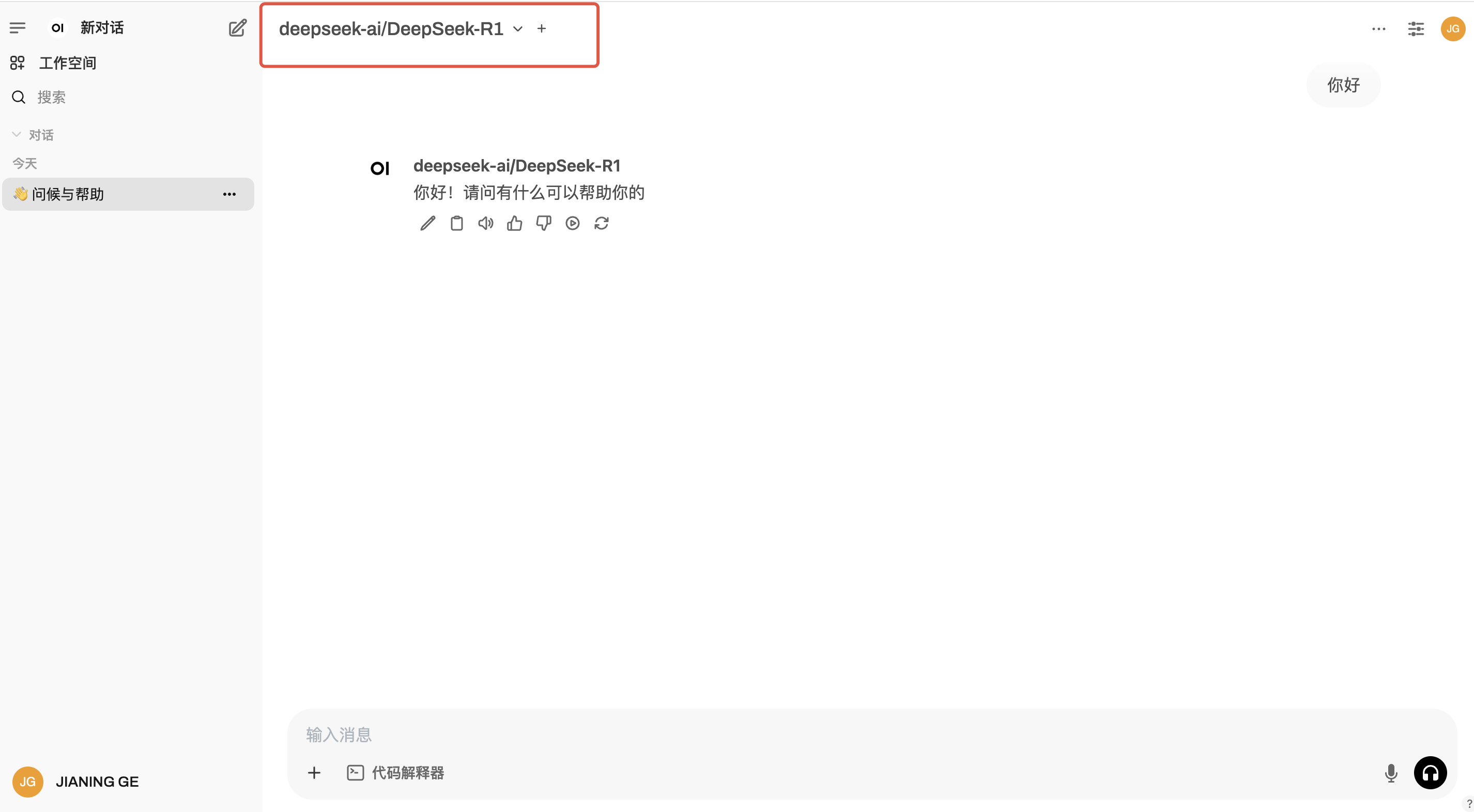
After configuration, you will be able to see models from ModelVerse in the model selection list. Select any one to start chatting.